Muskey
Find the key of any song
Change it with one click
Free and open source · macOS 26 Tahoe or later on Apple silicon
Song: Cartoon, Jéja - On & On (feat. Daniel Levi) [NCS Release]
Music provided by NoCopyrightSounds
Free Download/Stream: https://ncs.io/onandon
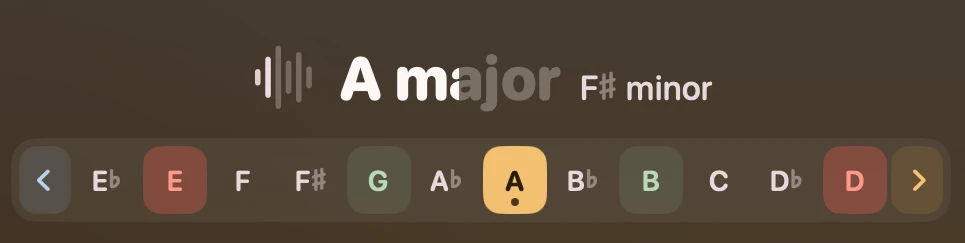
Detect the key of the playing song
Press Control Command M while a song plays to see its key after a few seconds.
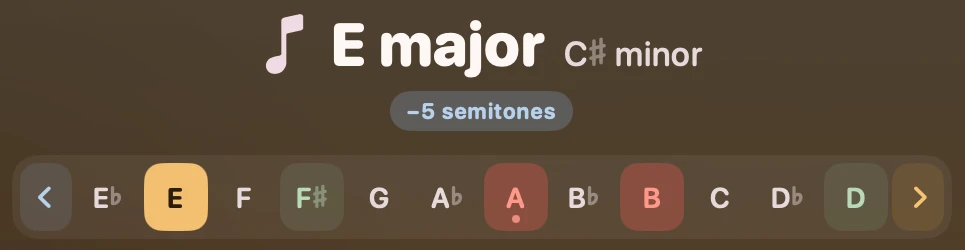
Change the song key on the fly
Click any key or press an A-G letter on the keyboard to pitch the song in that key without changing tempo.
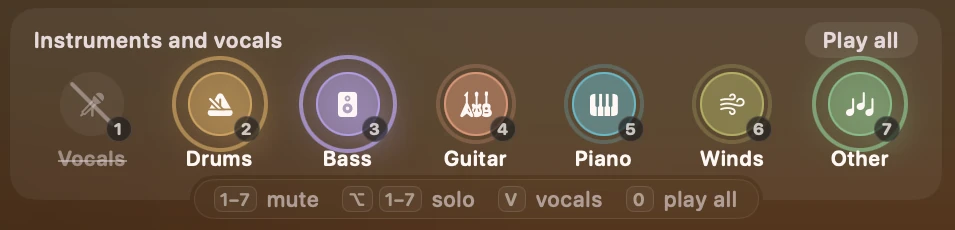
Instruments and vocals
Mute the drums, the bass or the vocals of any song while it plays. Use Solo to hear only the guitar, piano or trumpet and practice your part.
Lyrics and karaoke
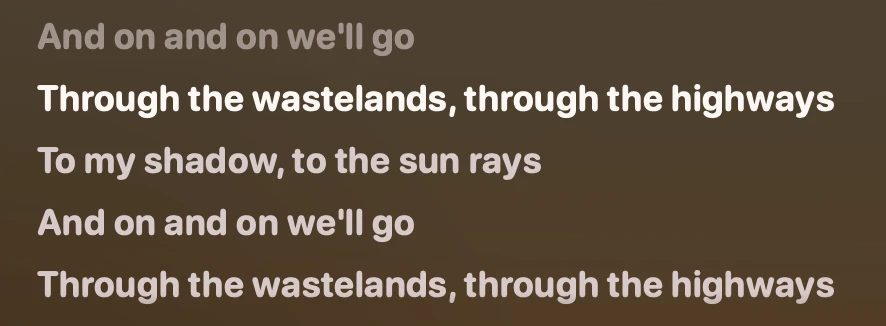
Click Lyrics to see the words line by line as the song plays. Click Karaoke to view them full screen and mute the vocals so you can sing along.
Card layout
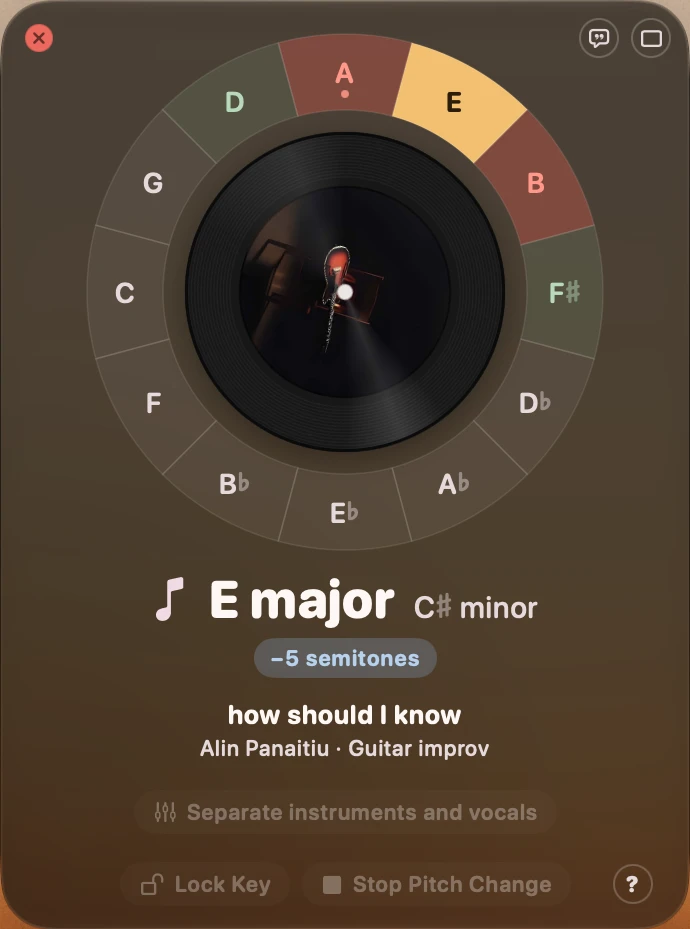
Switch to the Card style to view the keys on the circle of fifths.
How it works
When you press Control Command M, Muskey starts listening to the sound playing through your output device and modifies it in real time.
The sound can come from Spotify, Apple Music, a browser or any other app. That app keeps playing the song as usual, while Muskey changes what reaches your speakers or headphones.
macOS asks for permission to record the system audio to get this capability.
Files and links
Muskey can also play a song from a file or a link. Drop a file on the Muskey window, paste a link while the window is open, or choose Open File… or Open URL… from the menu bar icon.
Songs played this way also get a tempo control, which can't be possible for the real-time listening because we would need the whole file.
Sponsor the projects behind Muskey
Muskey is free, but if you want to show your support, feel free to sponsor the projects that made it possible.
Also built with Essentia, Rubber Band, AMLL TTML DB, NetEase Cloud Music, BS-RoFormer, MVSep and Sparkle.